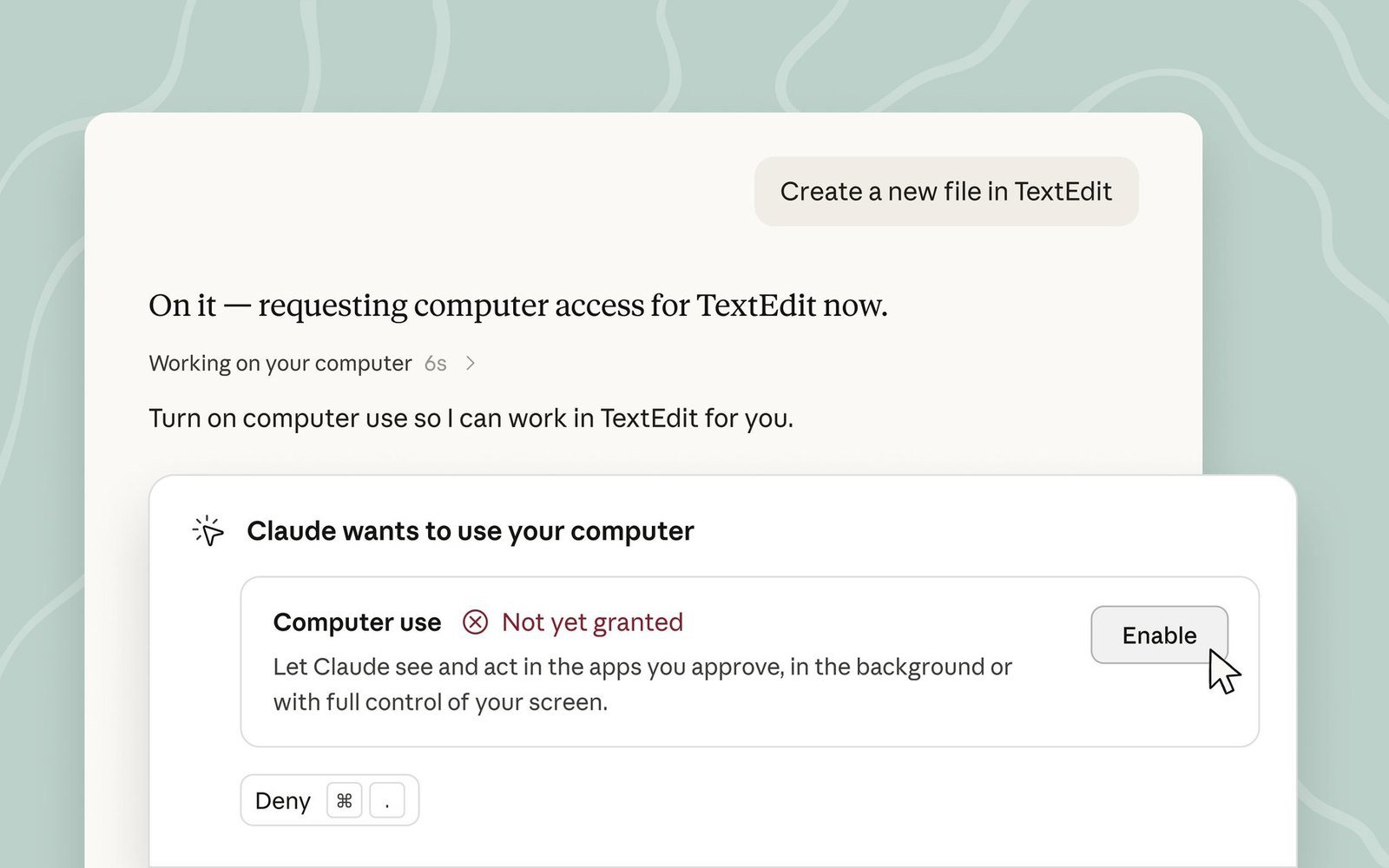
Anthropic announced that Claude Cowork and Claude Code can now use the computer in the background. Hand off a task and Claude clicks, types and opens applications the way a person would, while you get on with something else.
Key facts
- Timing: Announced as available, covering Claude Cowork and Claude Code.
- Who it hits: Operators with repetitive back-office work — admin price and stock edits, batch report exports, moving data between systems.
- What to do: Worth trying on reversible tasks only. Keep pricing, inventory, publishing and anything payment-related under human confirmation.
What happened
Previously, computer use occupied your screen: you watched every click and keystroke and couldn't use the machine for anything else while it ran. This update moves that execution into the background so a delegated task continues while you work. The mechanism itself is unchanged — Claude still completes work by clicking, typing and opening apps, meaning it drives the graphical interface rather than calling an API.
What it means for independent store owners
The gap this fills is real: back-office work in systems that have no API, or no API open to you. Payment provider merchant portals, carrier reconciliation statements that only export from a web UI, supplier order systems — places a script can't reach, where the only option has been clicking through it yourself. Running in the background means those tasks can finally finish while you do something else instead of holding your machine hostage.
Know the limits, though. GUI-driven automation is inherently brittle: a layout change, an unexpected modal or a slow load can send it clicking the wrong thing, and unlike an API call there's no transactional guarantee — a failure mid-run can leave a half-completed state behind. So the test is simple. Reversible work where a mistake is immediately visible is fair game: exporting data, tidying spreadsheets, pulling information into a form. Irreversible or expensive actions stay manual — changing prices, adjusting inventory, hitting publish, anything touching payments. And because background execution means you aren't watching, errors surface later than they otherwise would; for a first run, pick a task whose correct output you can recognize at a glance.


